DazzleDuck Arrow JS UI
The DazzleDuck Arrow JS UI is a modern, browser‑based frontend designed to interact with the DazzleDuck SQL HTTP Server. It provides an interactive environment for executing SQL queries, visualizing results, searching ingested data, and managing sessions — all powered by Apache Arrow for high‑performance data transfer.
This UI is built for developers, data engineers, and analysts who want fast, transparent access to DuckDB‑powered analytics without installing heavyweight desktop tools.
Purpose
The Arrow JS UI serves as:
- A developer console for DazzleDuck SQL Server
- A visual analytics tool for Arrow‑based result sets
- A reference frontend demonstrating how to consume DazzleDuck’s HTTP APIs
It is intentionally designed to stay close to the underlying APIs, exposing real server behavior rather than abstracting it away.
Core Capabilities
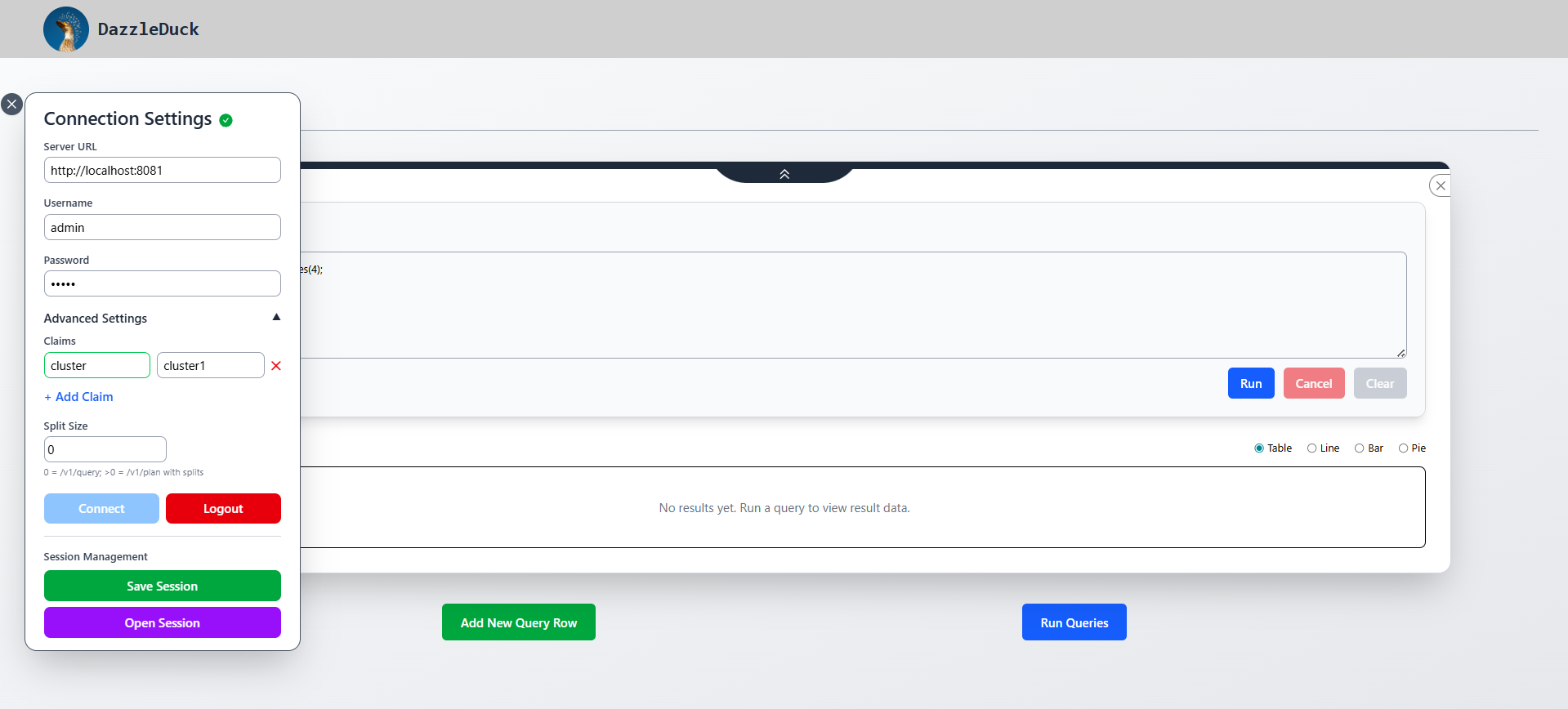
Secure Connection Management
- JWT‑based authentication via
/v1/login - Persistent session handling (no repeated logins)
- Advanced claim support (org, database, schema, path, function)
- Automatic re‑authentication when connection context changes
SQL Analytics Workspace
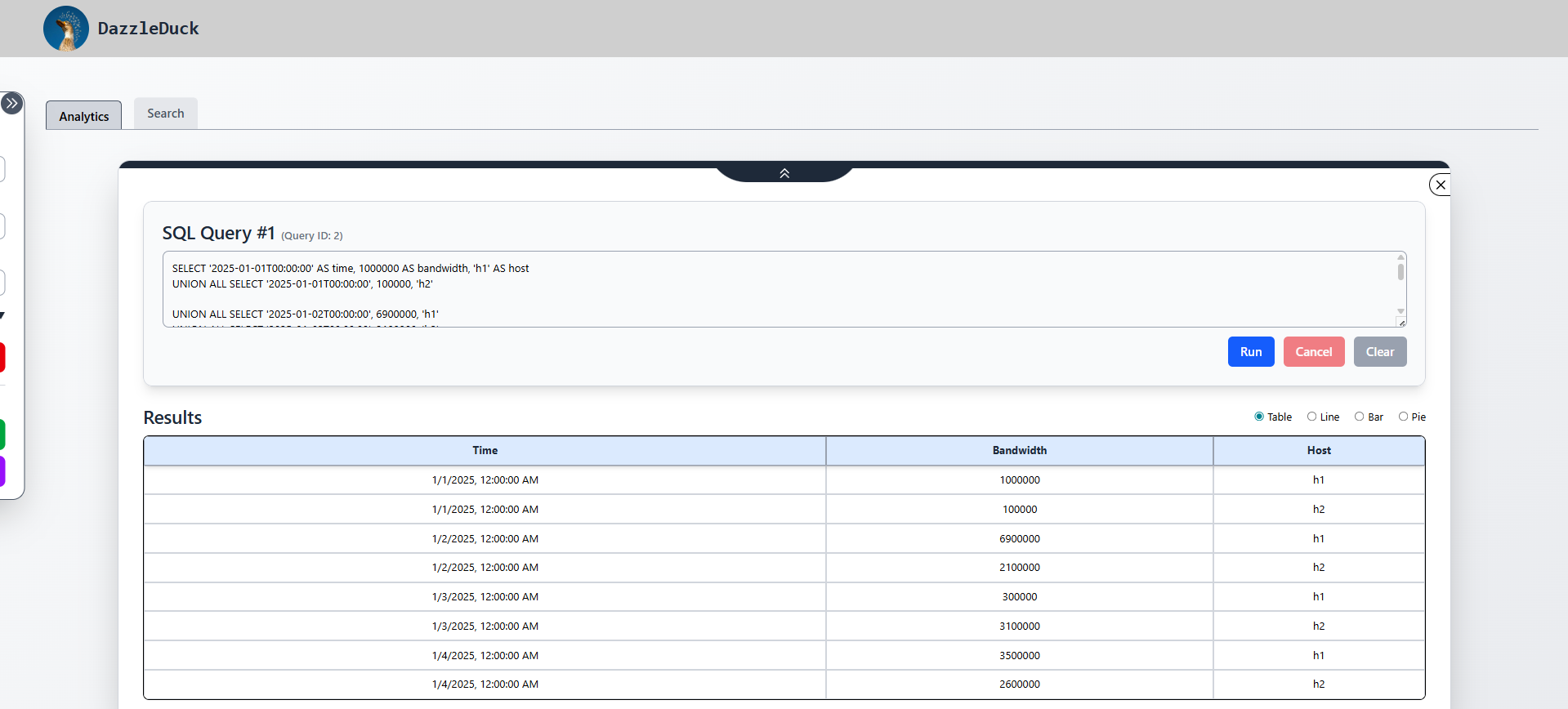
- Multi‑query execution with independent query rows
- Parallel query execution (no blocking)
- Cancel support for long‑running queries
- Arrow‑native result handling for large datasets
Visualization & Exploration
-
Table rendering optimized for large Arrow batches
-
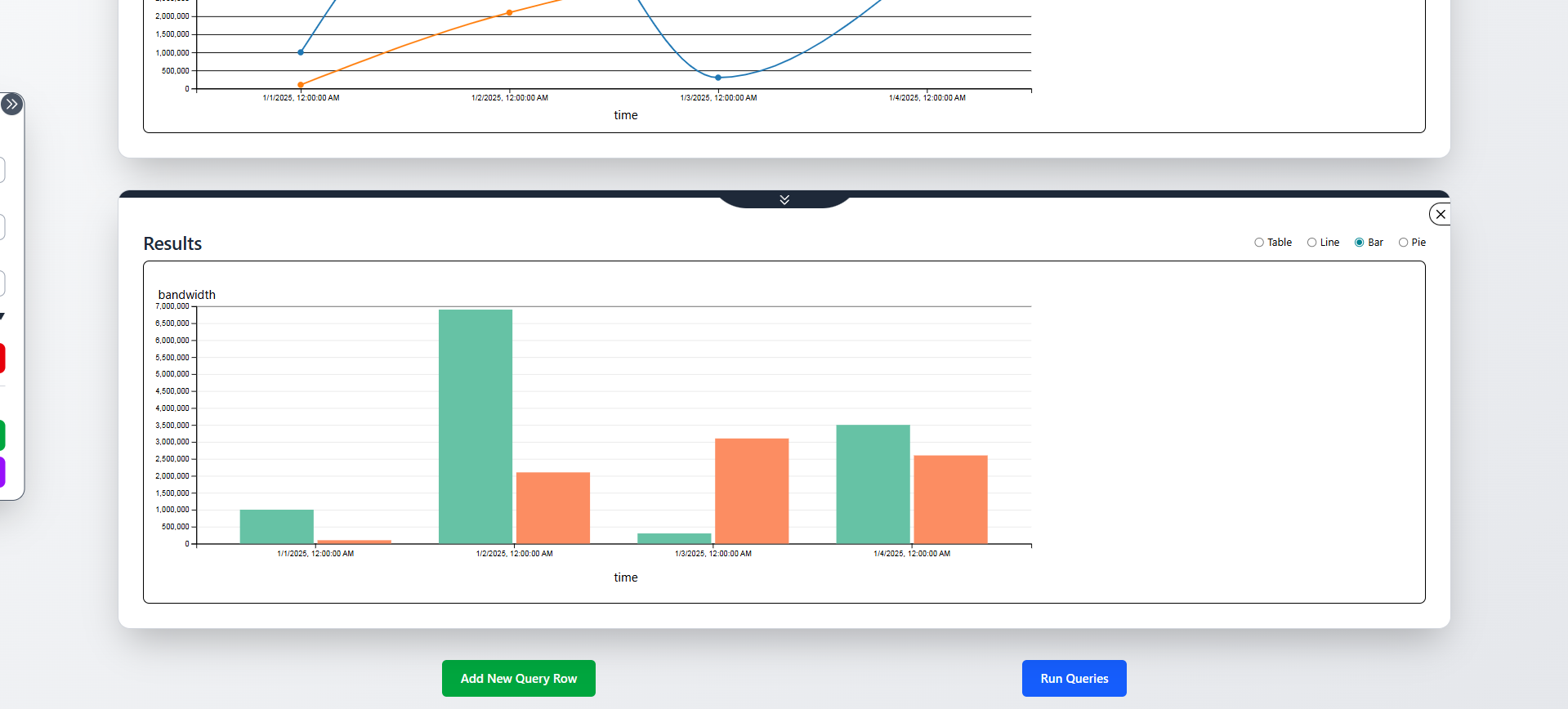
Built‑in charting support:
- Line charts
- Bar charts
- Pie charts
-
Instant re‑rendering on query re‑execution
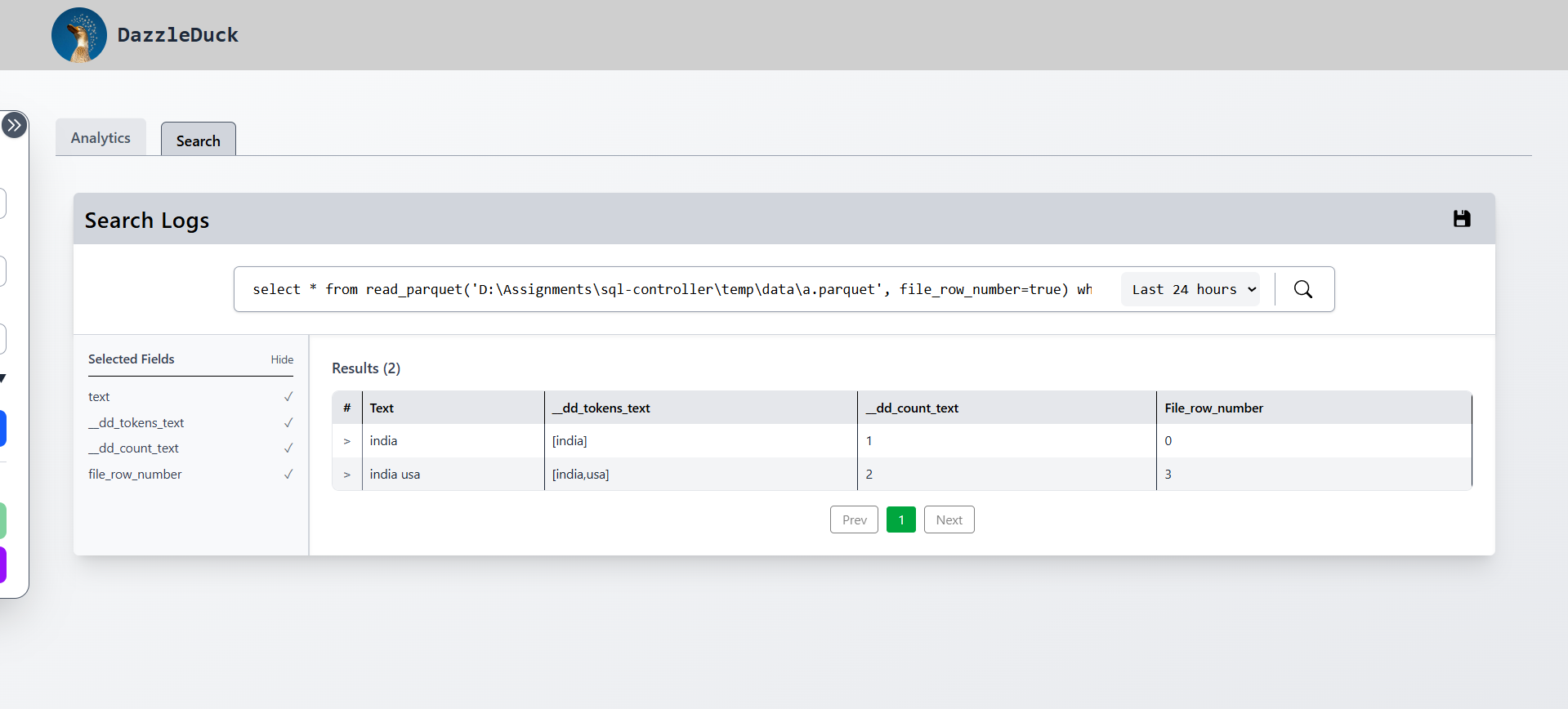
Search & Log Exploration
- Time‑range based filtering (24h / 7d / 30d)
- Paginated result browsing
- Expandable rows for raw JSON inspection
- Field‑level visibility controls
Session Management
- Save full sessions as JSON (queries + connection metadata)
- Restore sessions across browsers or machines
- No credentials stored (passwords are never persisted)
High‑Level Architecture
Browser (Arrow JS UI)
        │
        │ HTTP + Arrow IPC
        ▼
DazzleDuck SQL HTTP Server
        │
        │ DuckDB + Arrow
        ▼
Warehouse (Parquet / Arrow / Files)
- Queries are executed remotely on the server
- Results are streamed back as Arrow IPC
- The UI renders Arrow data directly in the browser
Technology Stack
Frontend
- React 18
- Vite (fast dev + build)
- Tailwind CSS (utility‑first styling)
- Arrow JS (binary columnar data handling)
- Axios (HTTP client)
Backend Integration
- DazzleDuck SQL HTTP API (
/v1/*) - JWT authentication
- Arrow IPC streaming
Typical Use Cases
- Explore Parquet datasets stored in a DazzleDuck warehouse
- Debug and validate SQL queries during development
- Visualize analytical results without exporting data
- Inspect ingestion results and transformations
- Demonstrate DazzleDuck capabilities to users or stakeholders
What This UI Is (and Isn’t)
It is:
- A fast, transparent analytics UI
- A reference implementation for Arrow‑based clients
- A production‑usable internal tool
It is not:
- A full BI replacement (Tableau / Superset)
- A query abstraction layer
- A data modeling tool
Screenshots
Home UI
Results in Table
Results in Charts
Search Tab
Next Steps
- Learn how the UI is structured → Architecture
- Get it running locally → Setup
- Execute queries & visualize data → Usage
- Understand chart behavior → Charts